top of page

設備選購免煩惱!透過「蝦皮聊聊」聯繫我們,幫您的需求做客製化選配~

相容軟體:官方軟體免費下載 Design Space(電腦)/cricut joy APP
切割墊使用:必需(僅使用原廠Smart Materials的情況下可免用切割墊)
內置圖像:是(需開啟 Design Space 使用)

<機台介紹>
機器尺寸: 139 mm x 214 mm x 108 mm
重量:1.8 公斤
單體最大切割尺寸: 10.8 cm X 15.9 cm
單體最大切割尺寸: 11.4 cm x 122 cm
單次最大切割尺寸: 11.4 cm x 610 cm

<一年極致支援服務>
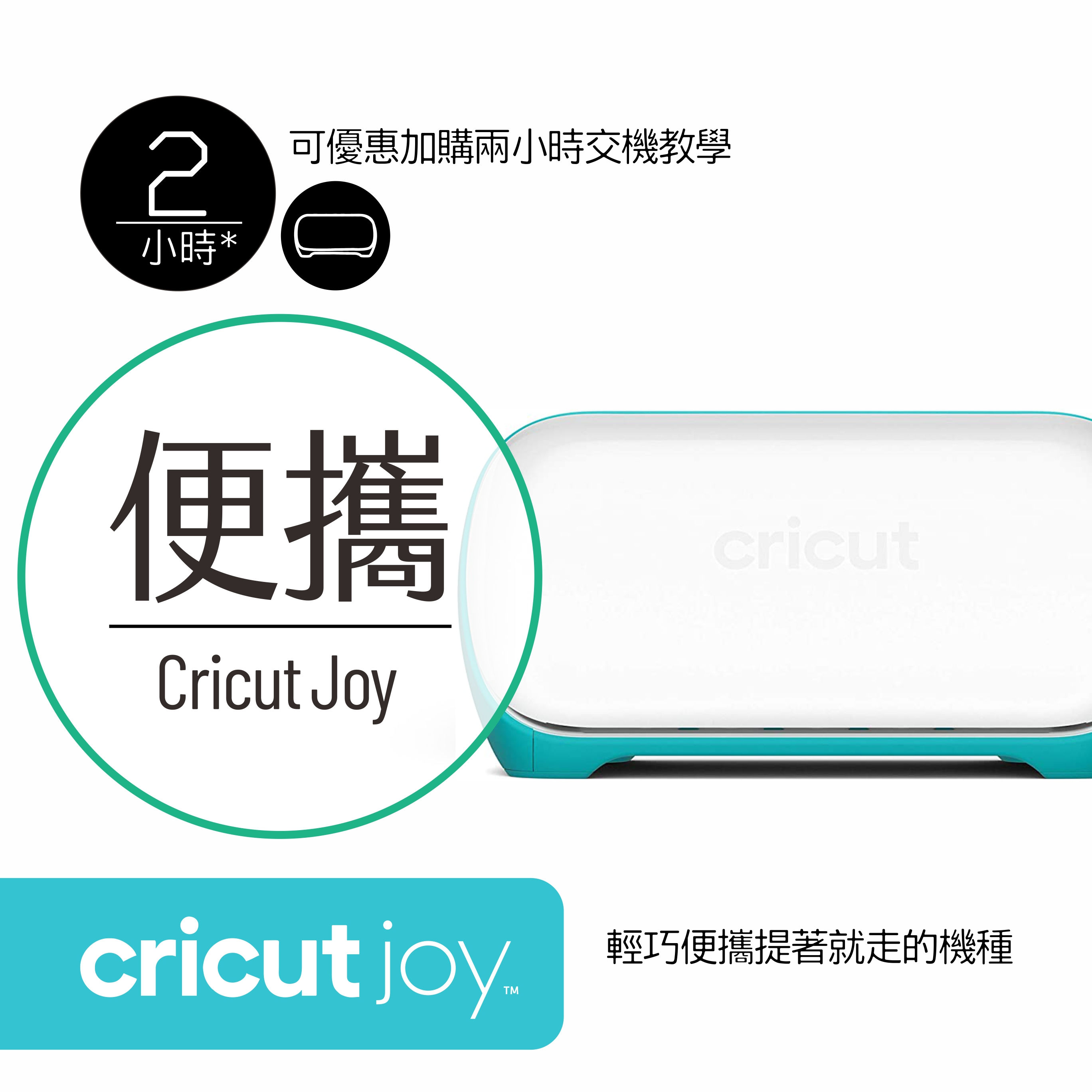
兩小時的交機教學+一年線上技術支援(下午一點到晚上十點)

NCC證號:CCAK21Y10170T6

<品項內含物>
01. cricut joy® machine (主機)
02. Premium Fine-Point Blade + Housing for cricut joy(Fine-Point 刀具與刀座/已安裝於機台上)
03. Welcome card(新手歡迎卡)
04. Power adapter(美規電源線)
05. Fine-Point Pen for cricut joy(0.4mm 專用細緻繪圖筆)
06. Material for a practice cut(試切割用的材料 smart Vinyl + Medium Cardstock - 80lb)
07. StandardGrip mat for cricut joy(專屬通用版切割墊 114 mm x 165 mm)
08. Free 30-day trial membership to Cricut Access (for new subscribers)(新用戶30天使用授權)

*不建議沒有溝通就下單
*本網頁圖面說明皆為本公司智慧之結晶,依法受到智慧財產權利人之權利保護
*禁止轉載/並不授權他人自行引用,盜圖使用必追究相關責任

<本賣場所有商品皆已包含 5% 稅金>
開立三聯式電子發票 請於結帳頁面【電子發票】欄位
輸入貴單位之 抬頭/統一編號 現貨商品.含稅免運!
請先來訊息溝通確認好再下單,謝謝配合!

☎️ 產品買了不會用?讓我們來協助你!☎️
👉 交機協助/可「加購」交機教育訓練與支援服務,快速上手
👉 專業技術支援/操作上的顧問,做不出來我們教你,線上技術支援
👉 原廠配件與耗材/您需要的原廠耗材,我們幫您預留庫存(特殊品項可代訂),讓您創作不中斷
👉 我們的客服時間:下午一點到晚上十點(周一公休.店家彈性調整)

#cricut #joy #cricutjoy #maker #cutter #自動切割機 #多功能 #繪圖機 #切割機

Cricut Joy 多功能迷你裁切機 可加購一年極致支援服務 切割機 割紙機 割字機 台灣公司貨 台北實體店

價格自 NT$4,999
已含  稅金 |
數量

      全部影片

      全部影片

      全部影片
      所有類別
      Howto & Style
      Make a Smart Vinyl Decal with Cricut Maker 3
      02:44

      Make a Smart Vinyl Decal with Cricut Maker 3

      Cricut Maker 3 Overview
      01:59

      Cricut Maker 3 Overview

      Design Space Intro for Cricut Maker 3
      02:09

      Design Space Intro for Cricut Maker 3

      What are Smart Materials
      00:54

      What are Smart Materials

      How to setup a long canvas in Design Space
      01:32

      How to setup a long canvas in Design Space

      Learn to choose between No Mat, Mat or Multiple Ways
      01:18

      Learn to choose between No Mat, Mat or Multiple Ways

      Loading Smart Materials
      00:58

      Loading Smart Materials

      How to use the Roll Holder
      01:24

      How to use the Roll Holder

      Applying long lengths of vinyl with transfer tape
      02:06

      Applying long lengths of vinyl with transfer tape

      Tips for Cricut Smart Vinyl
      02:25

      Tips for Cricut Smart Vinyl

      Tips for Cricut Smart Paper Sticker Cardstock
      01:34

      Tips for Cricut Smart Paper Sticker Cardstock

      Tips for Cricut Smart Iron-On
      01:58

      Tips for Cricut Smart Iron-On

      How to Use Pens with Cricut Maker | Cricut Maker | Cricut™
      01:49

      How to Use Pens with Cricut Maker | Cricut Maker | Cricut™

      隱私權與服務條款

      本公司享有網站文章之著作權

      若有重製、抄襲必定依法追究
      朗朗設計有限公司 |
      54650711

      info@lunglungdesign.com

      02-23940052/13:15~22:15

      ©2025 by lunglungdesign

      朗朗設計有限公司

      bottom of page